// OPENBOX DOCS
Showcase
Real OpenBoxGL setups, library views, and Big Box on Linux.
Showcase
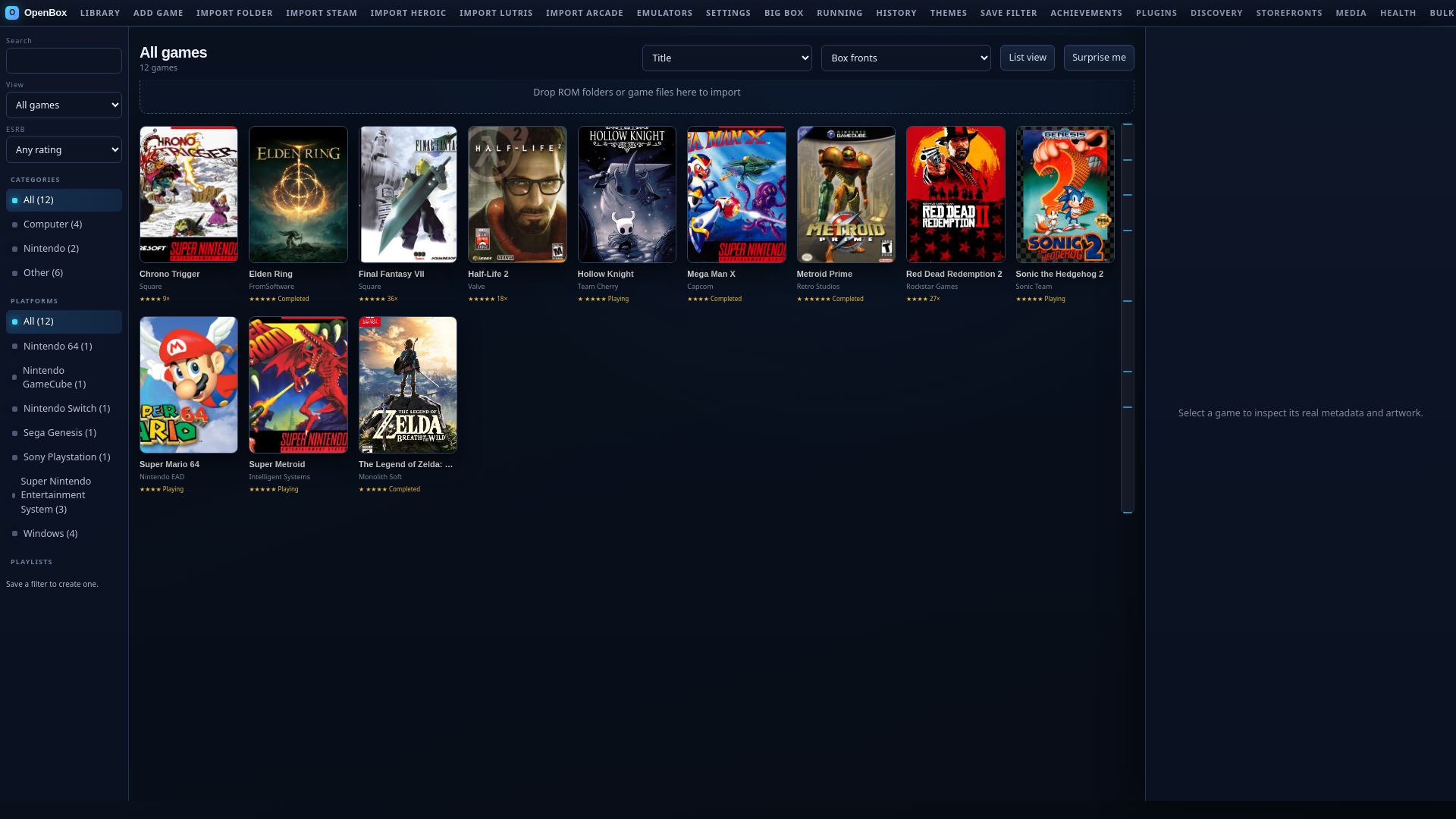
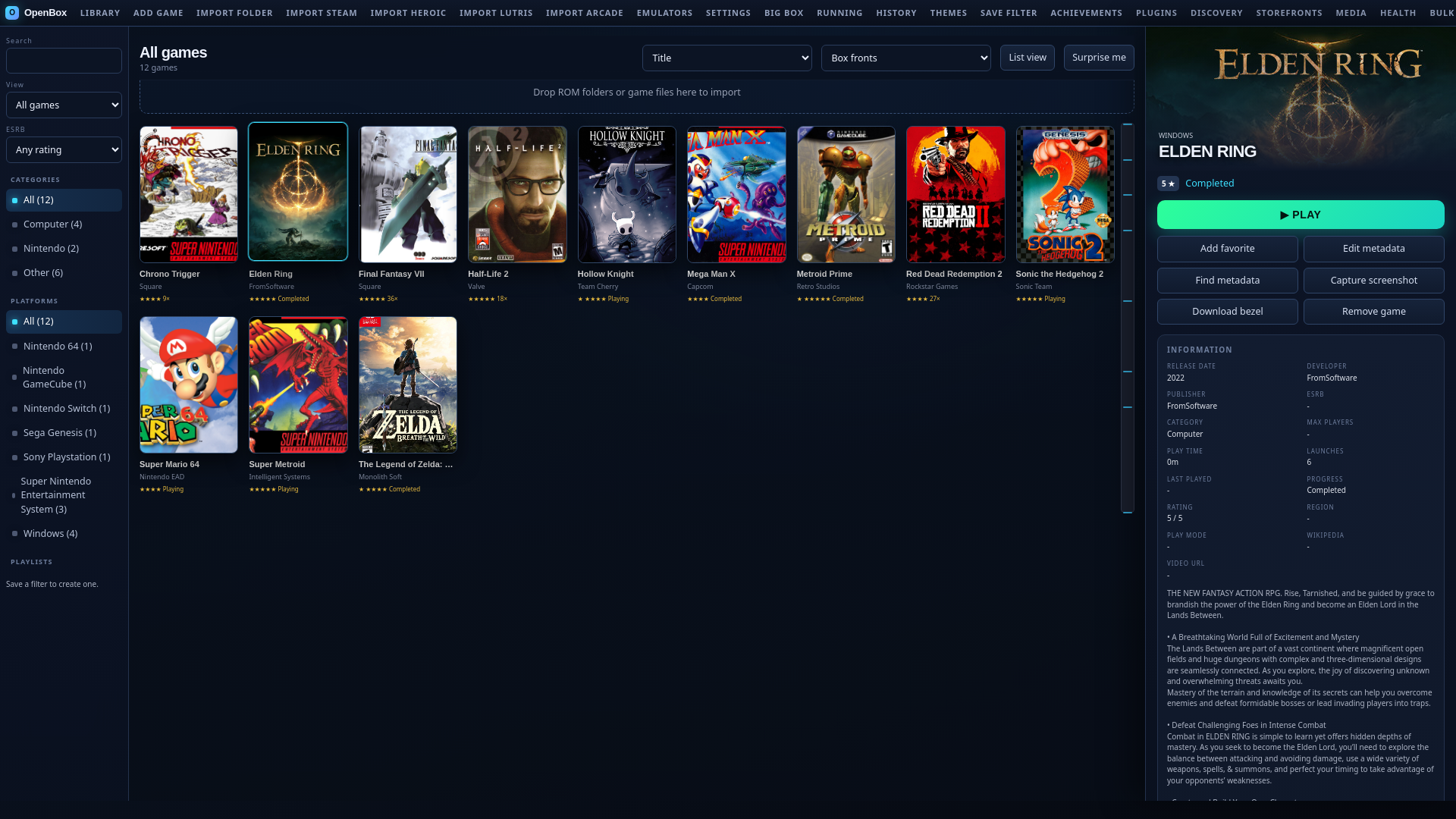
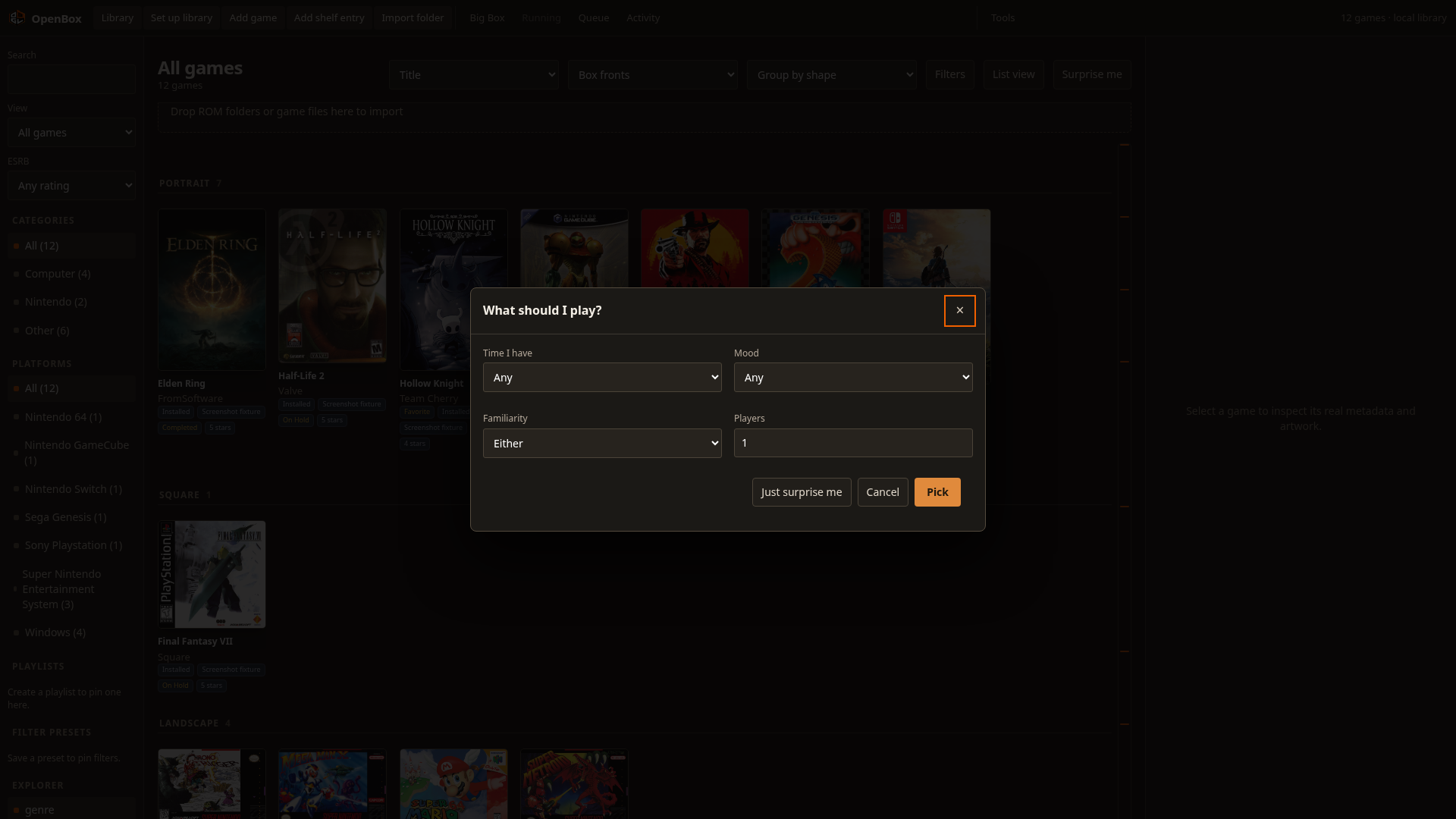
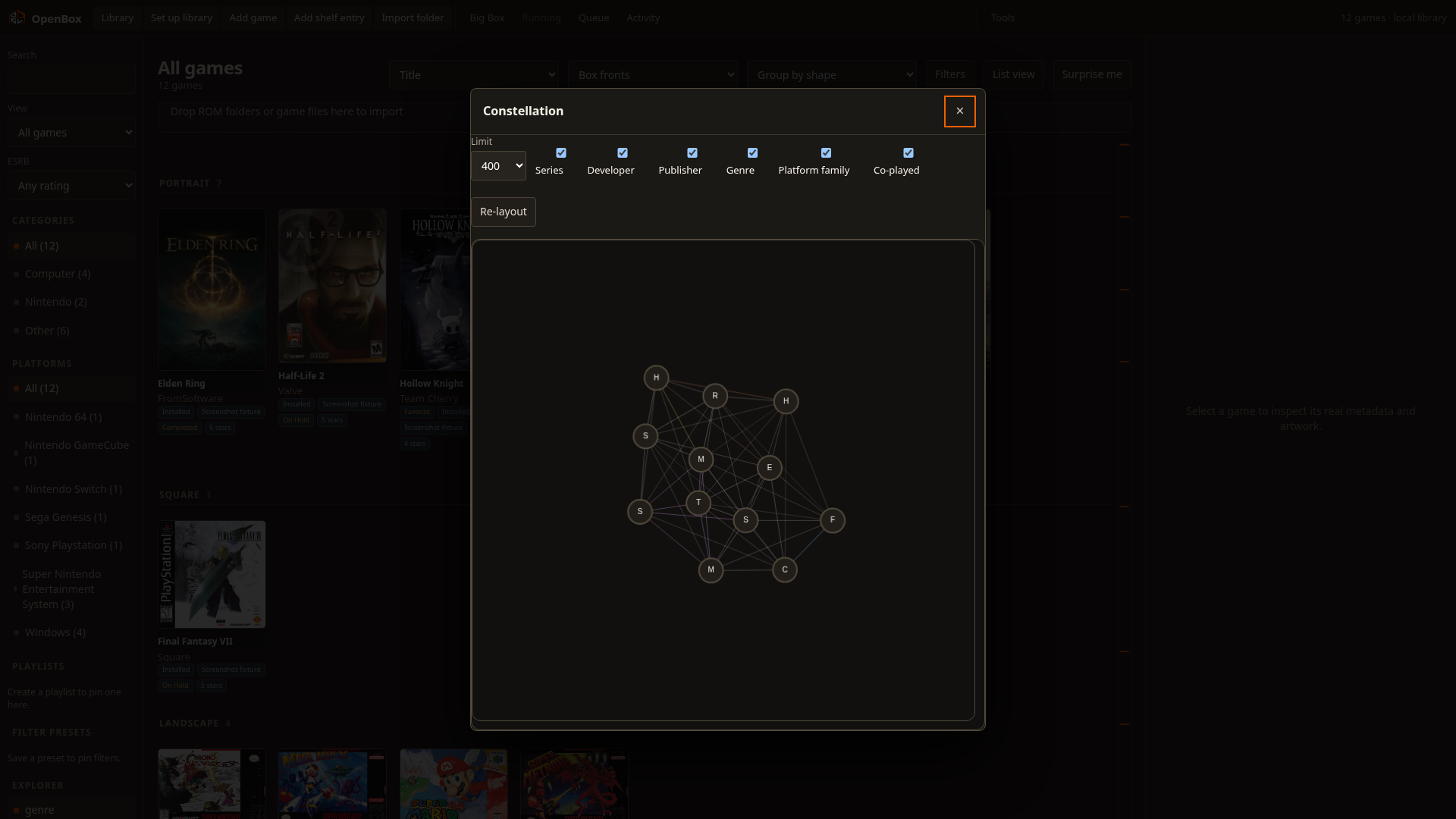
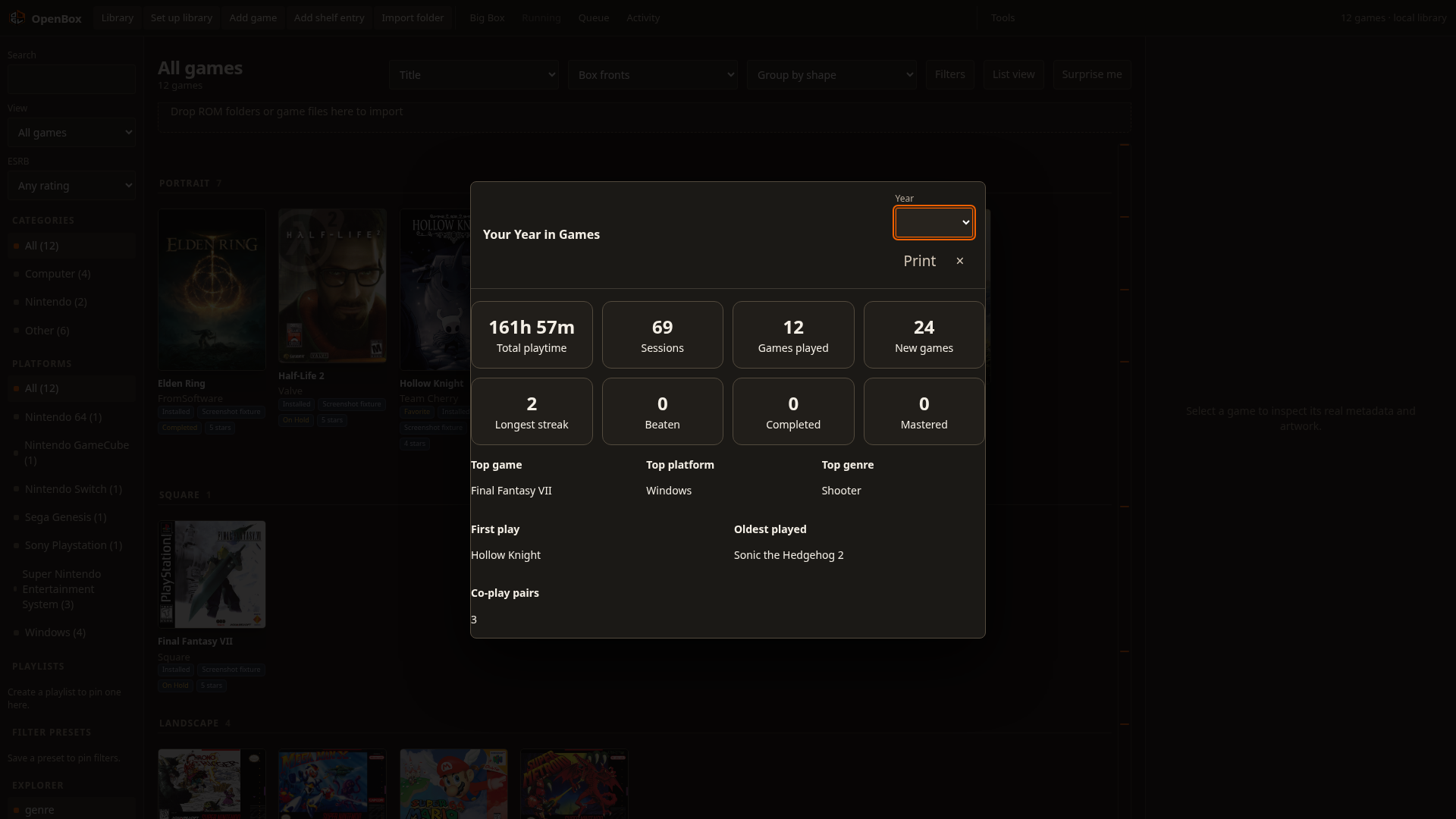
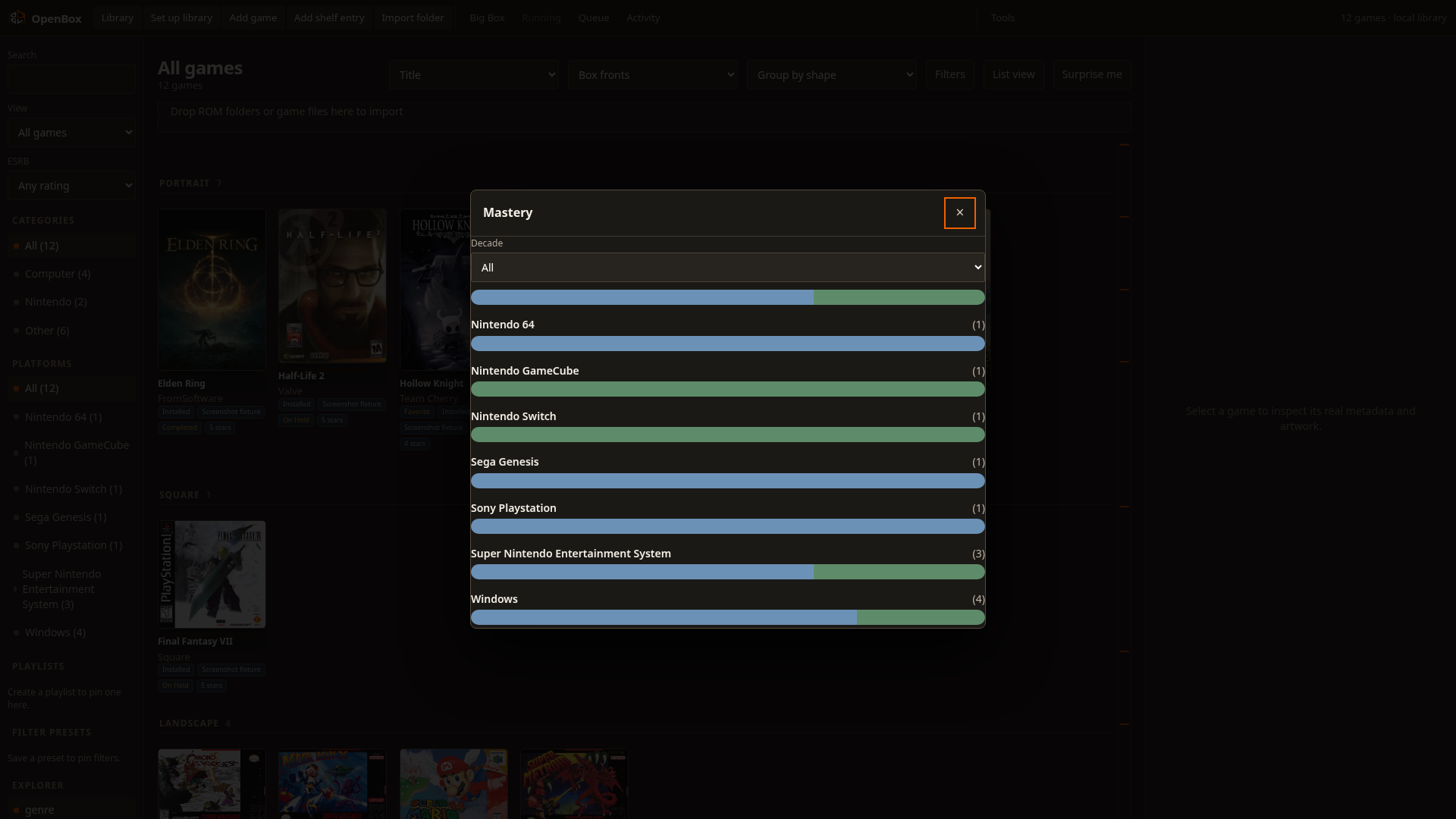
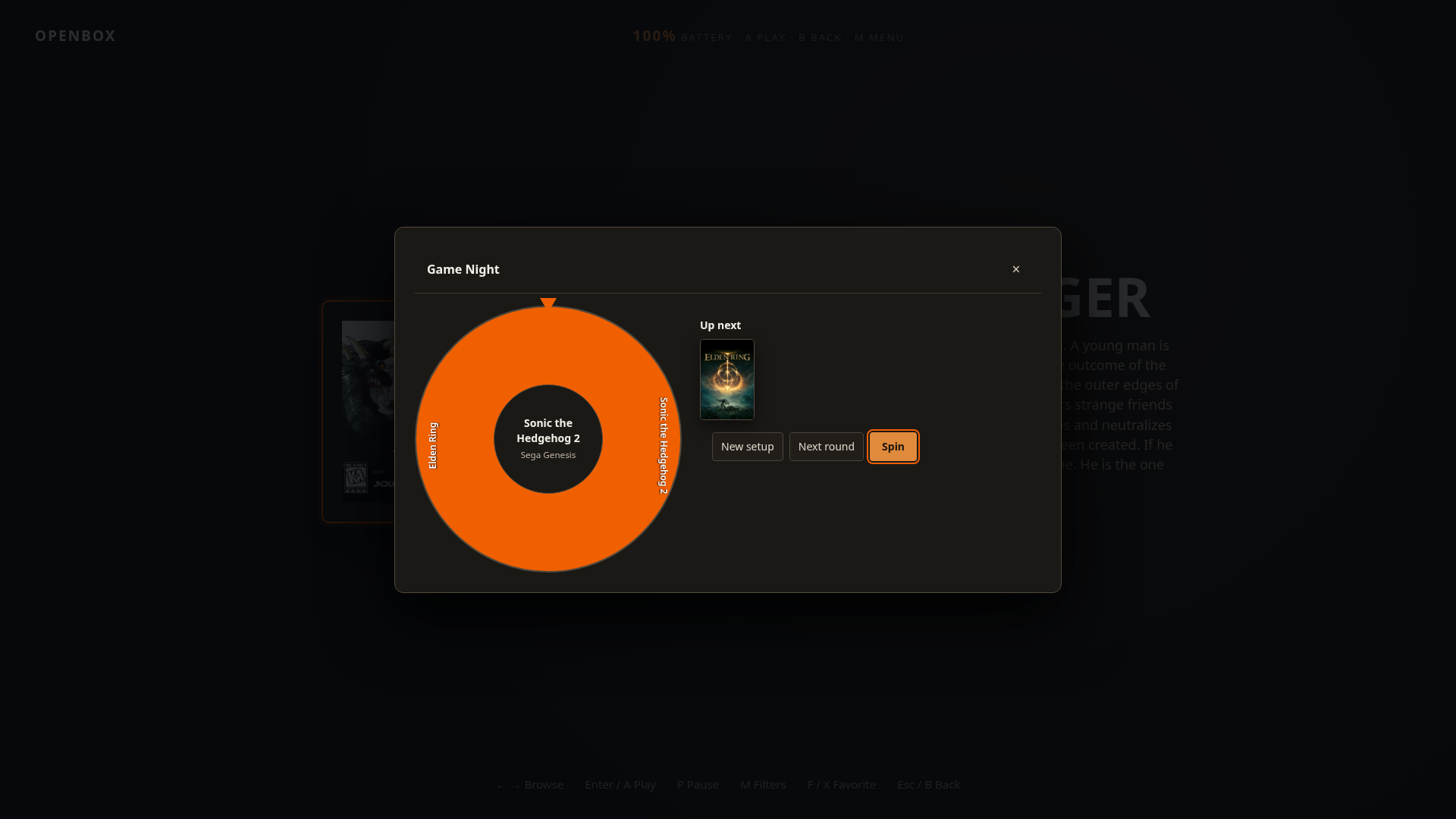
Real screenshots from the repository, not renders. Regenerate them with python3 scripts/capture_readme_screenshots.py after cd scripts && npm ci when you need fresh captures. All images are user supplied captures of user supplied games and cover art belongs to its publisher. Cover art and game files are not vendored in the repository or the site. Contributions that add an image must state the source and that you have the right to submit it under the Developer Certificate of Origin.

Add your setup
Open a pull request that adds one image under the repository's root public/ asset directory (alongside the existing openbox-*.png files) and a row here with hardware, distribution, and platform count. Reference it from the page as /your-file.png. Keep the image under 2 MB and include no personal paths. Sign the commit under the Developer Certificate of Origin and see Project and policies for contribution guidance.
What each view proves
| View | What to check |
|---|---|
| Library grid | Search scopes, platform filters, and the arrange bar jump on large sorts |
| Game detail | Metadata fields, launch command tokens, and save discovery entry points |
| Big Box Stage | Controller mapping, filter and sort menu, and screensaver delay |
| Smart picker | Time, mood, familiarity, and player filters resolve to a playable pick |
| Constellation | Relationship graph pan/zoom, series and platform links, and node focus |
| Year in Games | Playtime totals, session counts, streaks, and the printable report |
| Mastery | Per-platform completion bars and the decade filter |
| Game Night | Player count, session length, the spin wheel, and the up-next queue |
Related pages
- Downloads — every install method and its verify step.
- Compare — how OpenBox lines up against LaunchBox.
- Enterprise — commercial use, licensing, and deployment.